How to Use AI Tools to Generate Study Content in StudySpaces: AI Question & Flashcard Creator
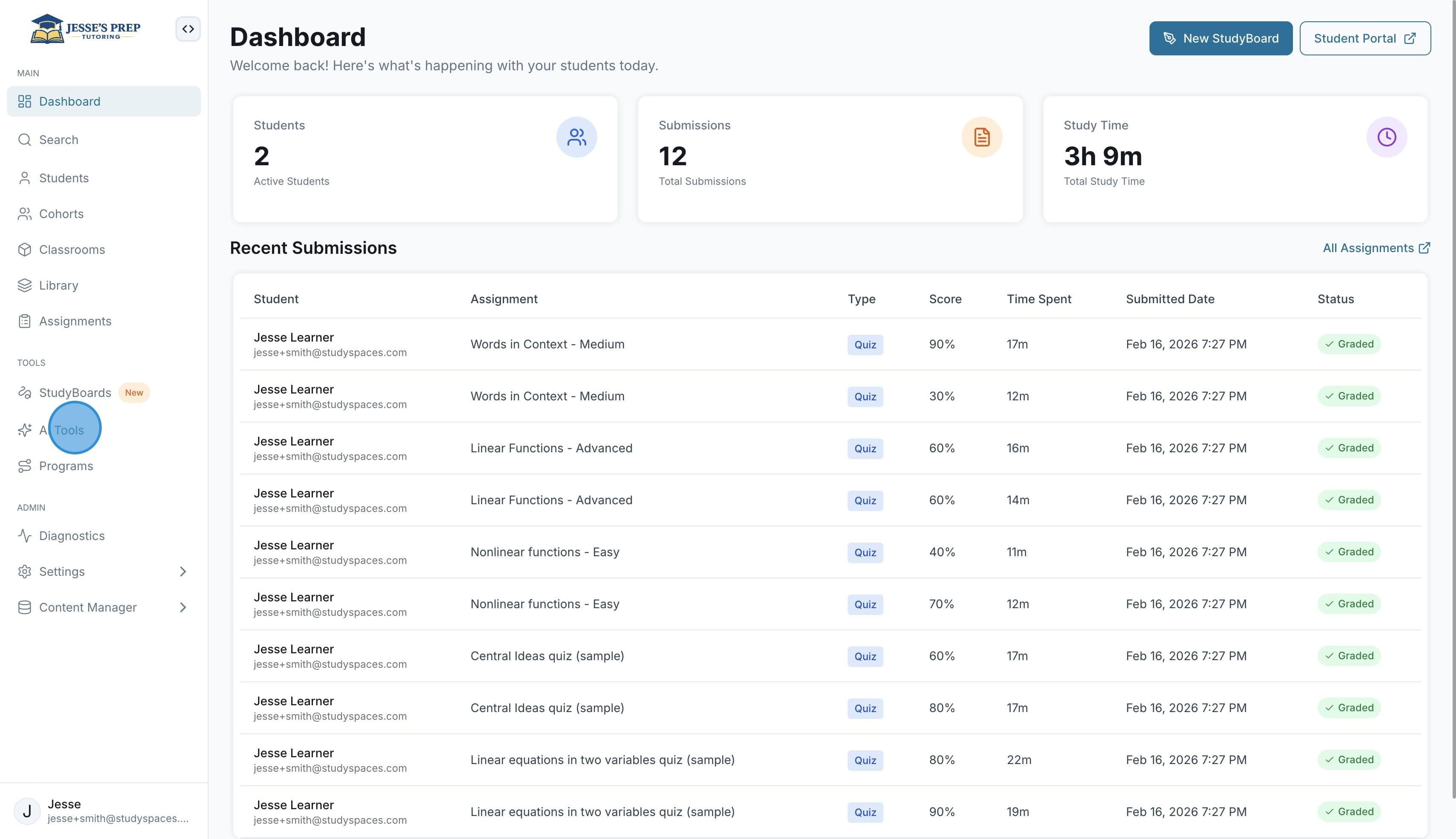
To get started, click on "AI Tools"
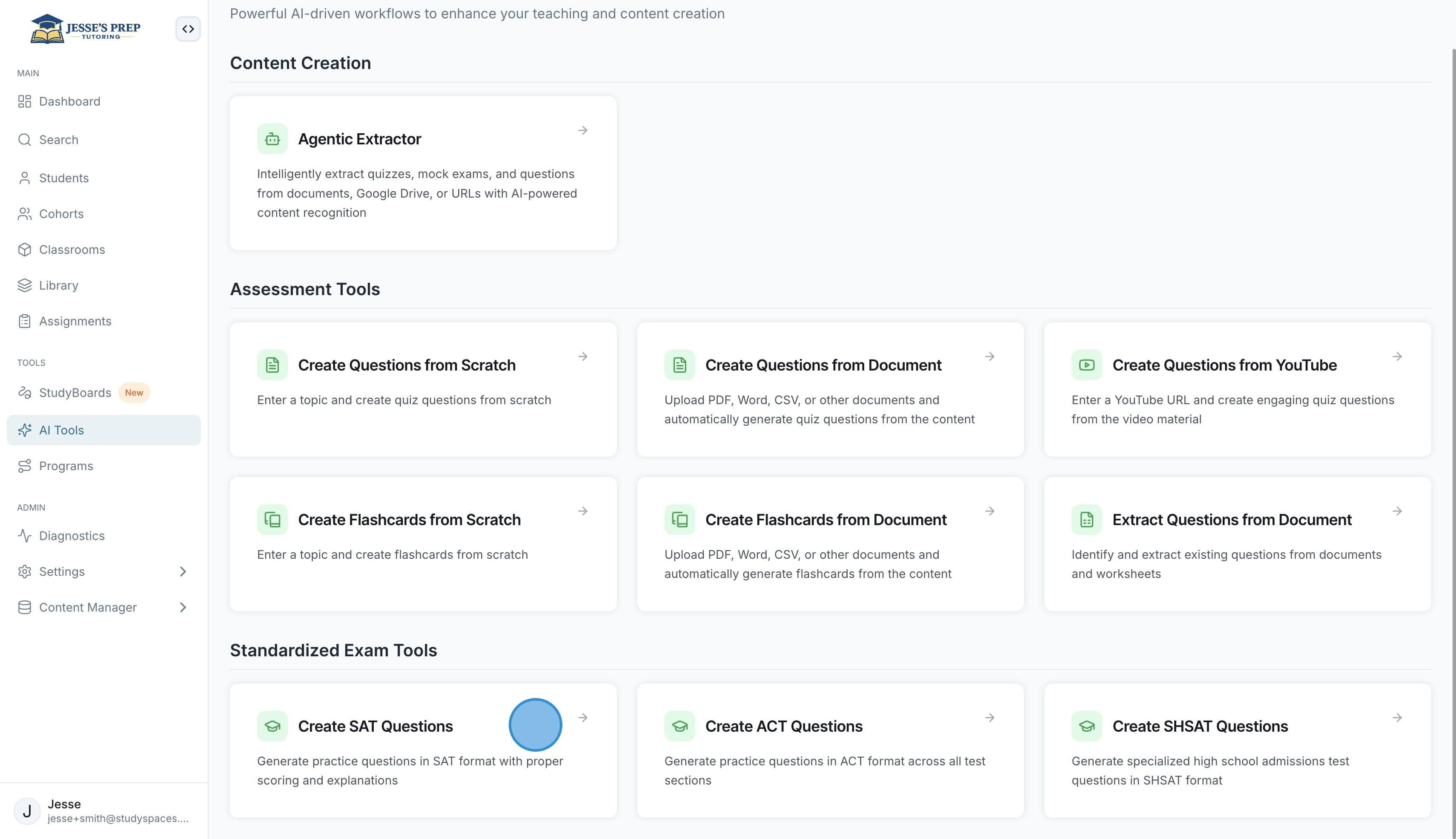
Select from a range of AI Tools such as creating questions from scratch, extracting from a document, or even generating exam-specific questions such as SAT, ACT, and more.
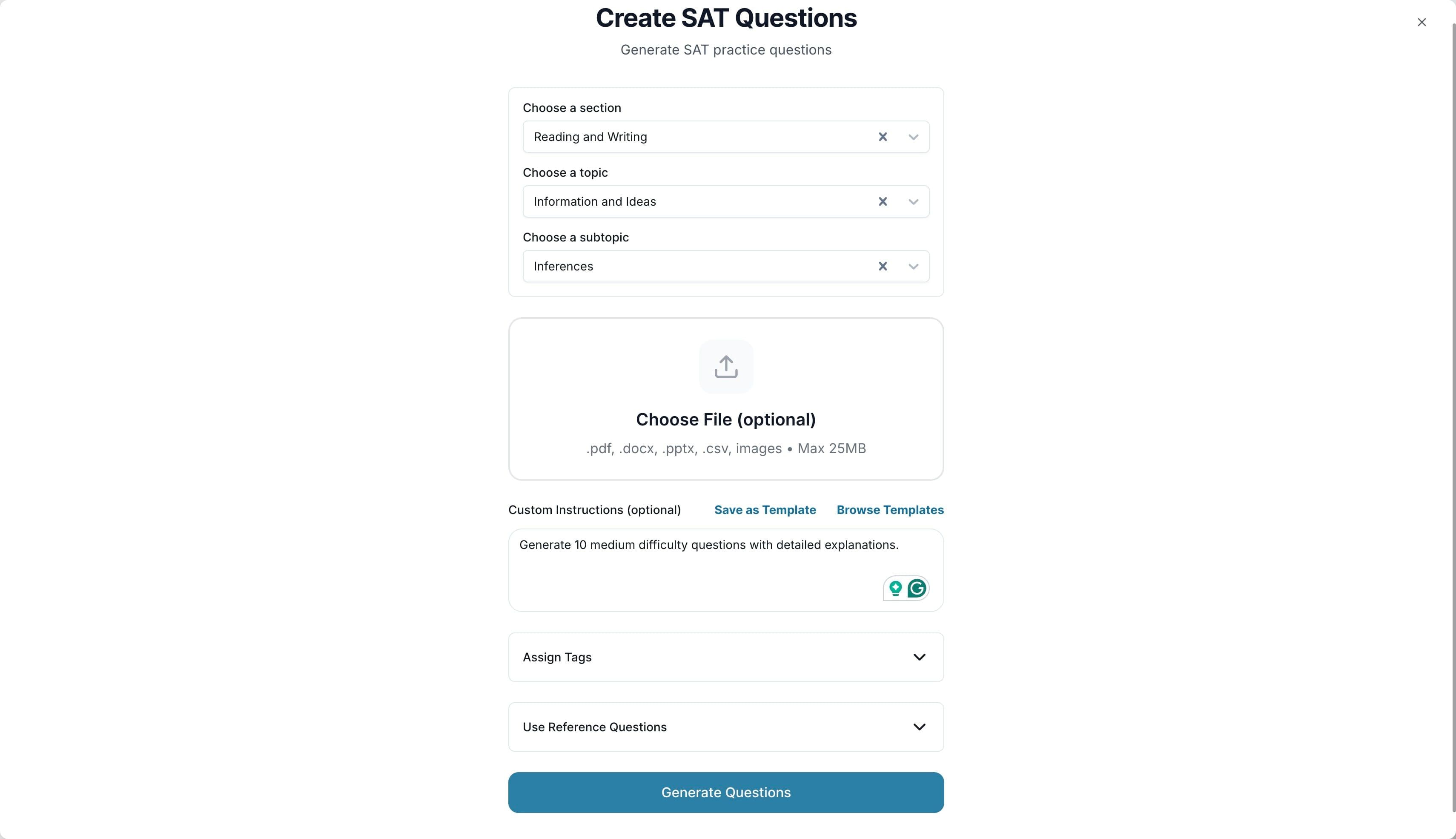
Let’s explore Creating SAT Questions. You can choose a section, topic, subtopic, upload a supporting document, assign tags automatically, and even select reference questions that the tool should base the new questions on. Once you are ready, click “Generate Questions”
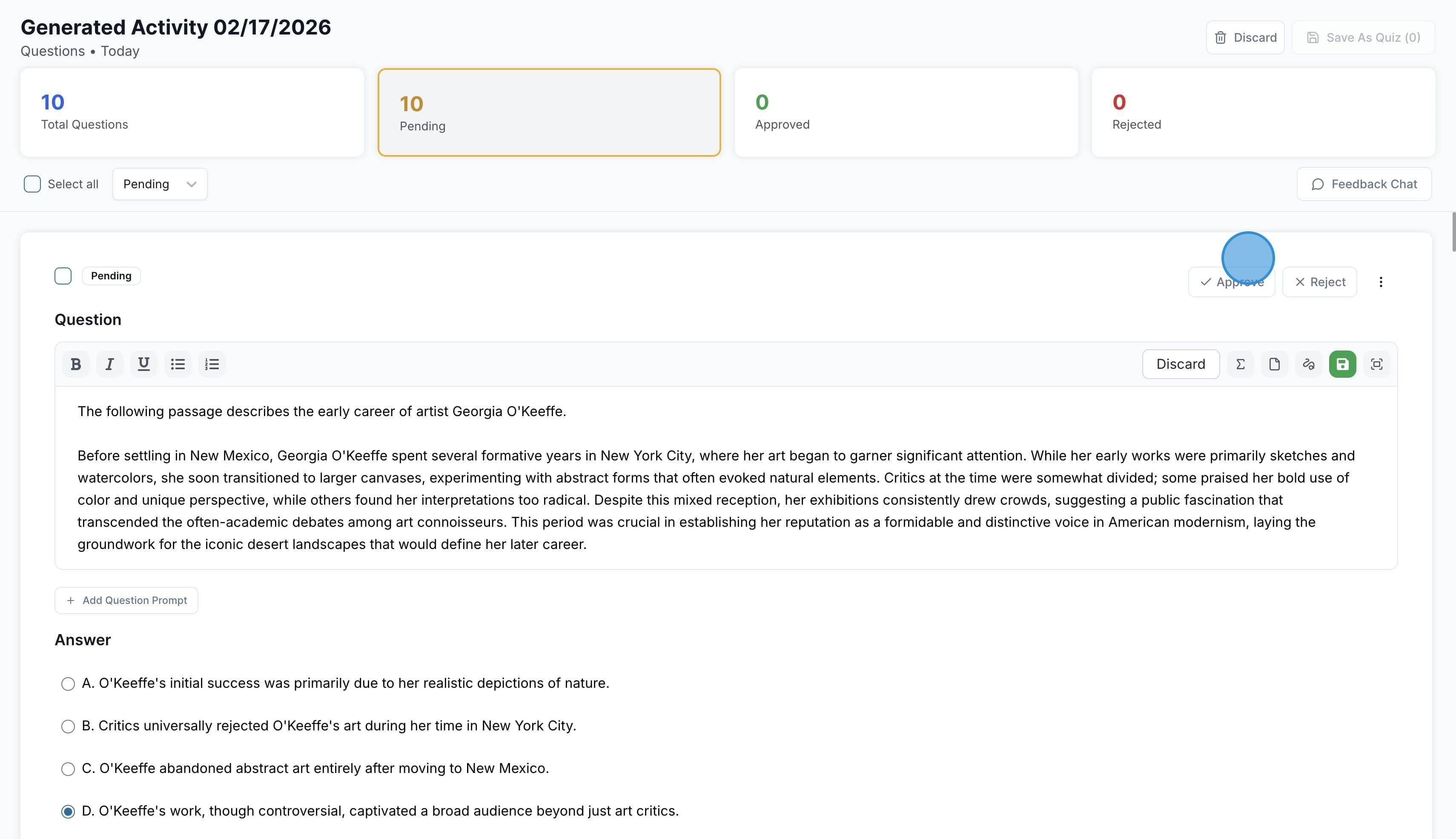
Once the questions are generated, they will all show as pending, ready for you to review. You can click on each question to edit it, or you can Approve, Reject, and even Reprompt each question.
You can also click on “Feedback Chat” to get help from StudySpaces AI
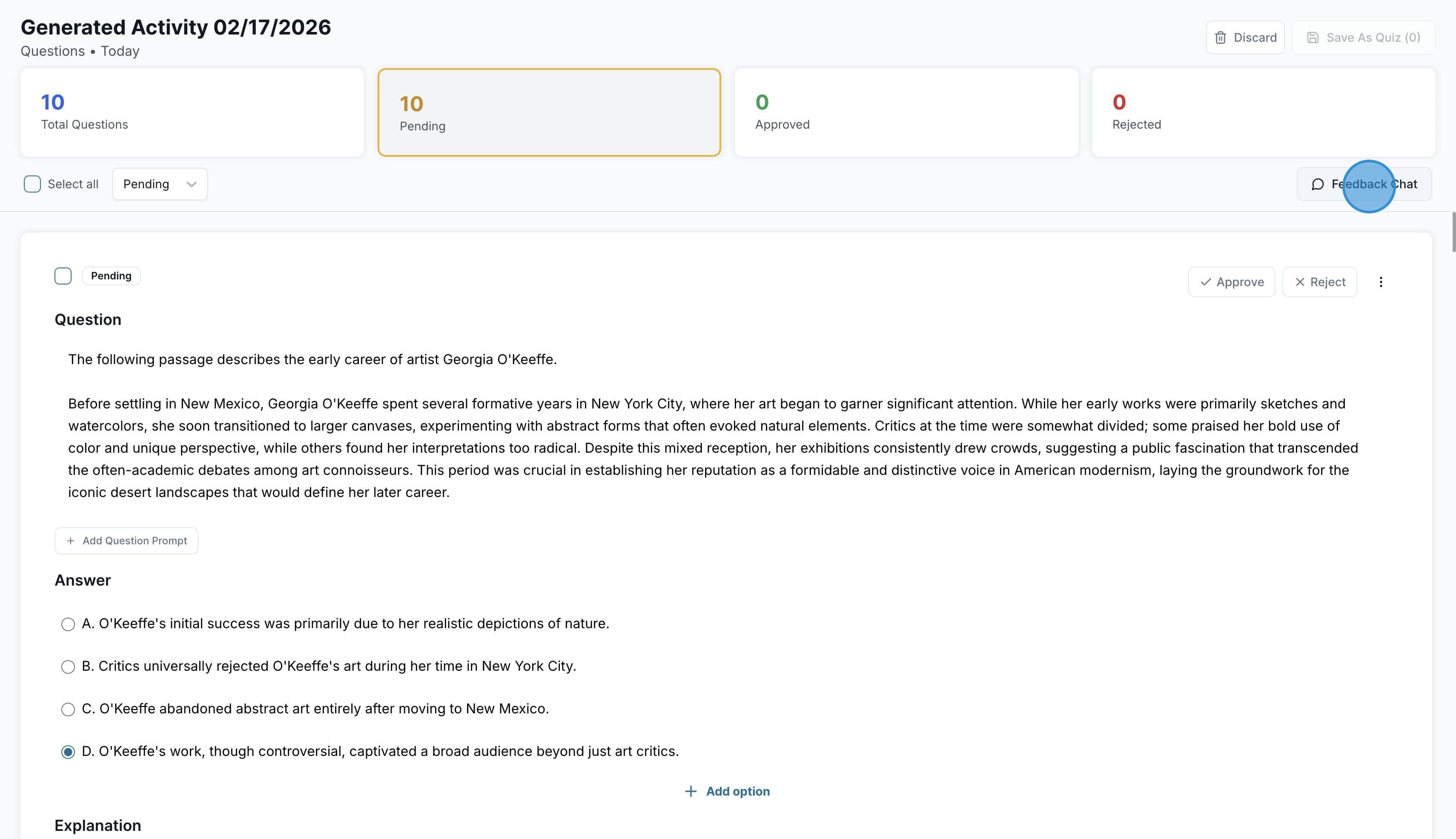
This allows you to reprompt and make changes to all pending questions at once.
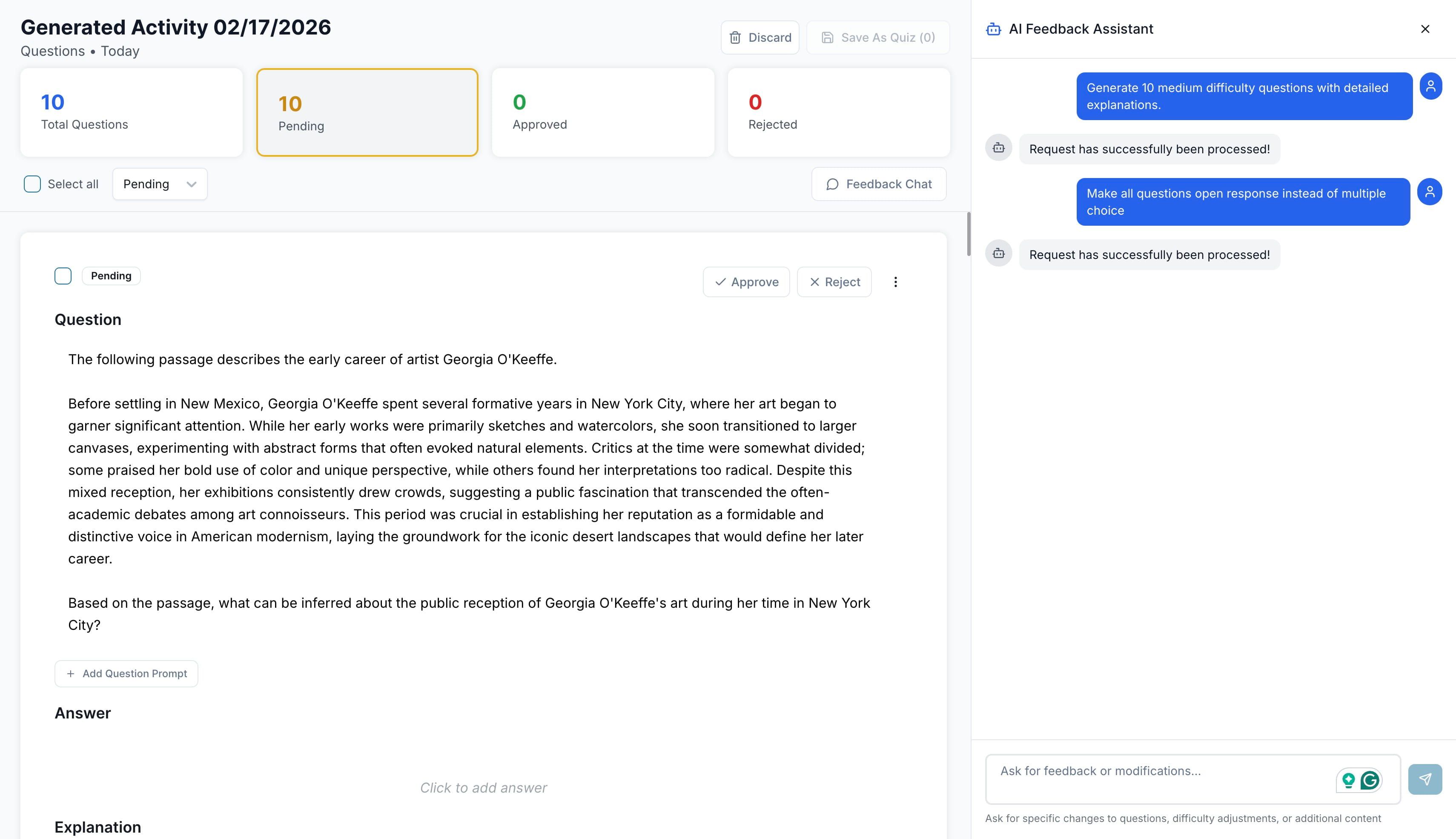
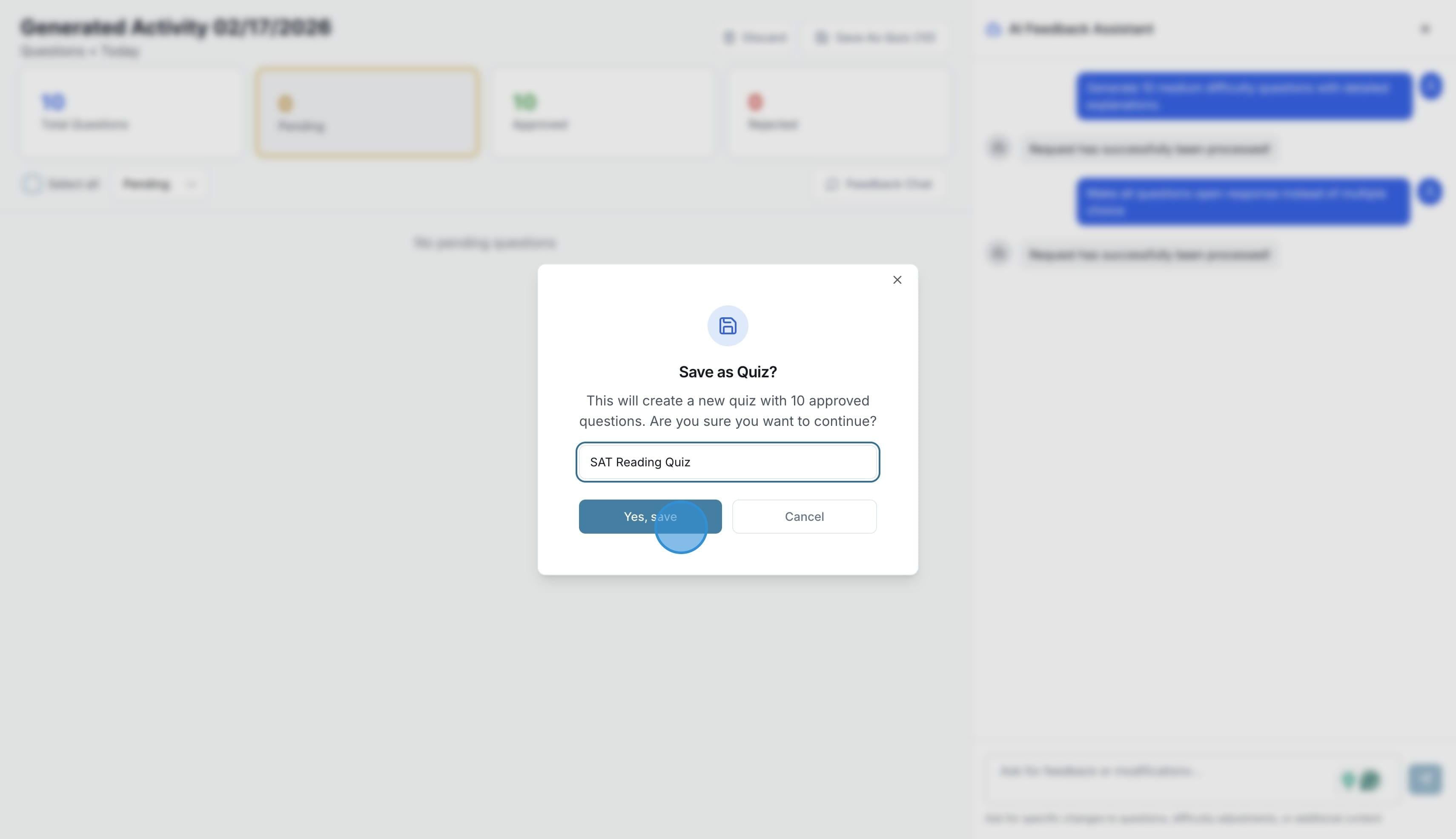
Once you are ready, click “Save as Quiz”
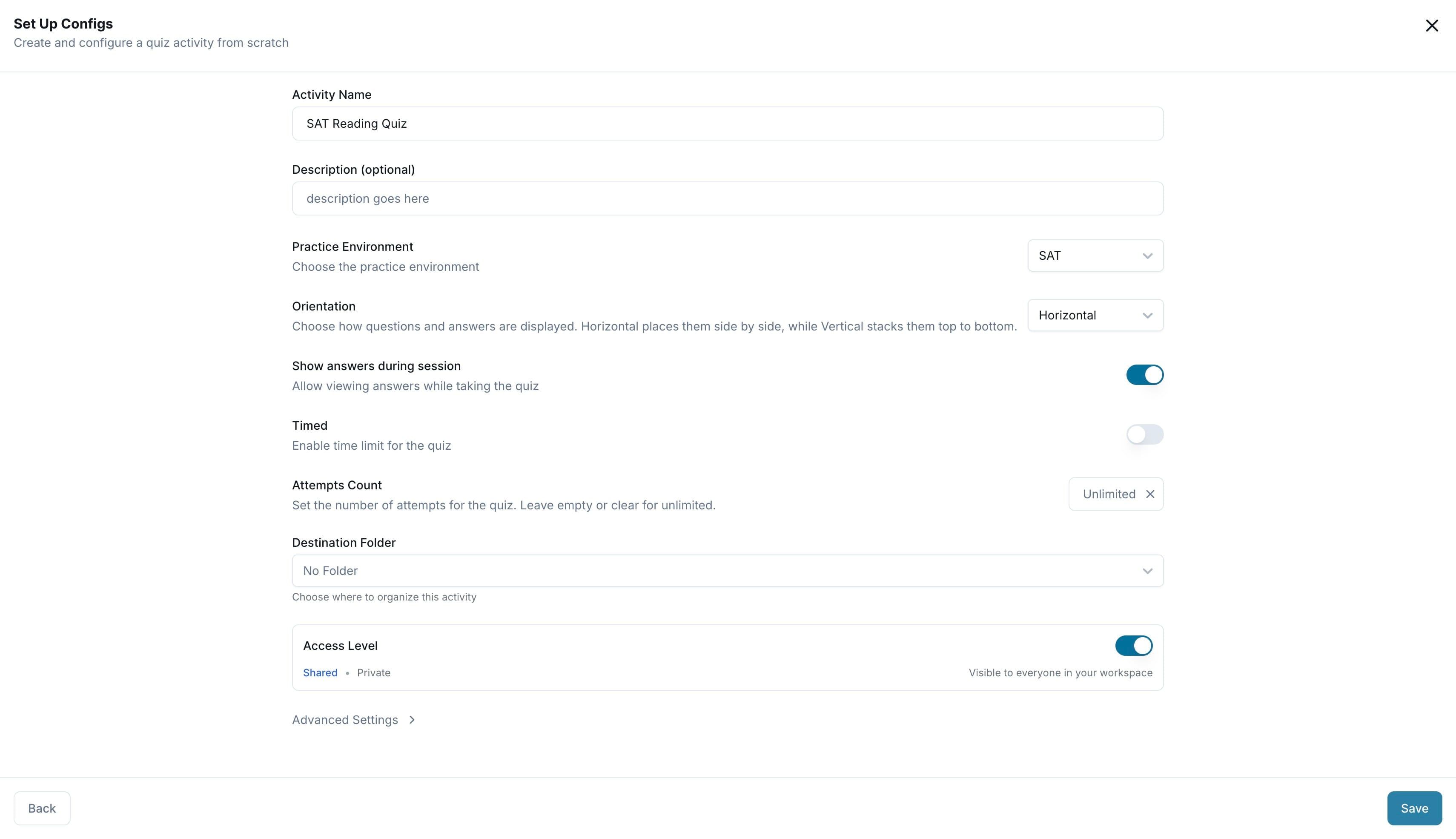
You can then give the quiz a name, description, decide what exam environment it should have, and more, such as timing, calculator, etc. Once you are ready, click “Save”
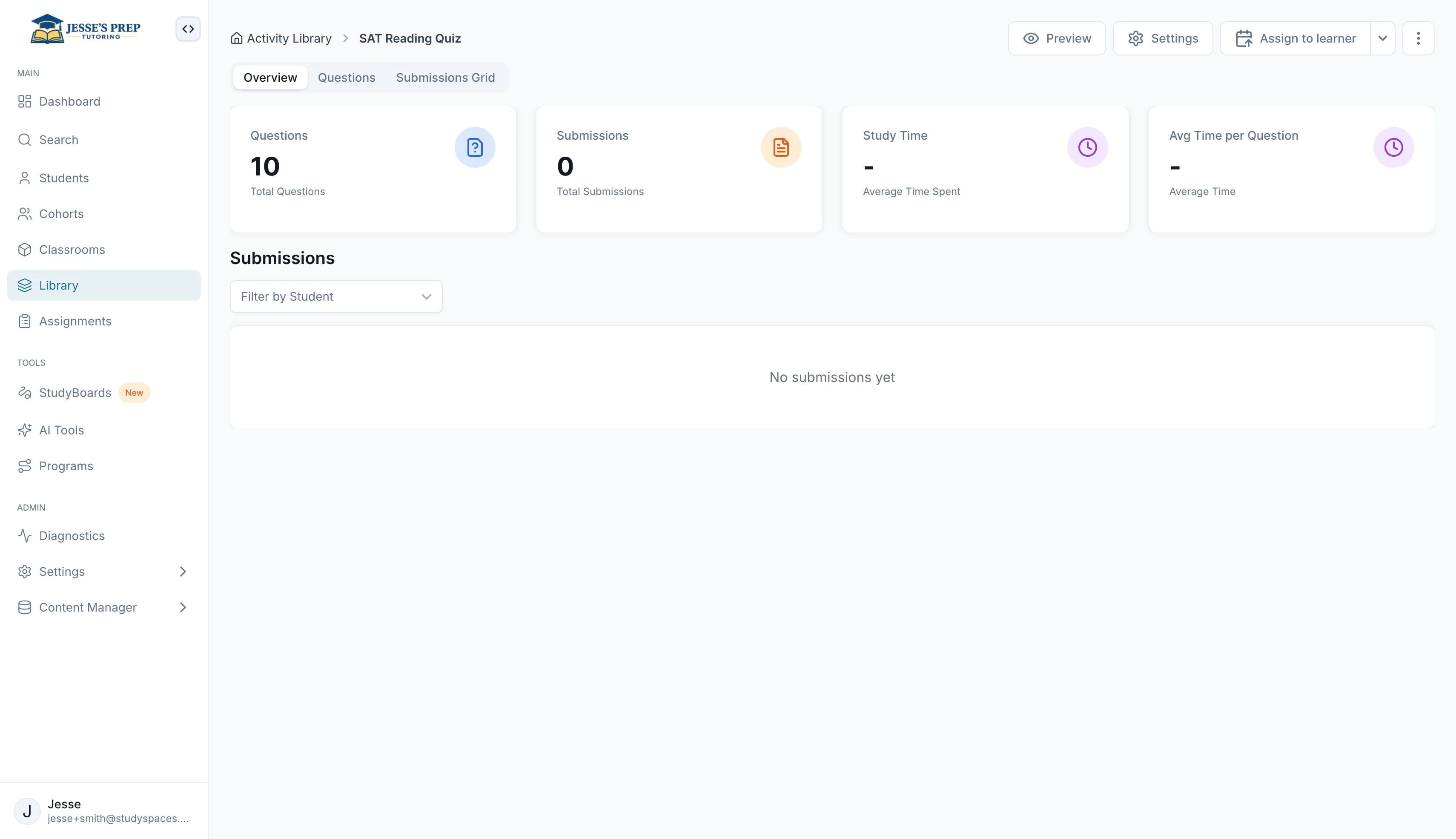
Congratulation! Your new quiz is not ready to Assign
Was this helpful?
Still need help? Ask the team